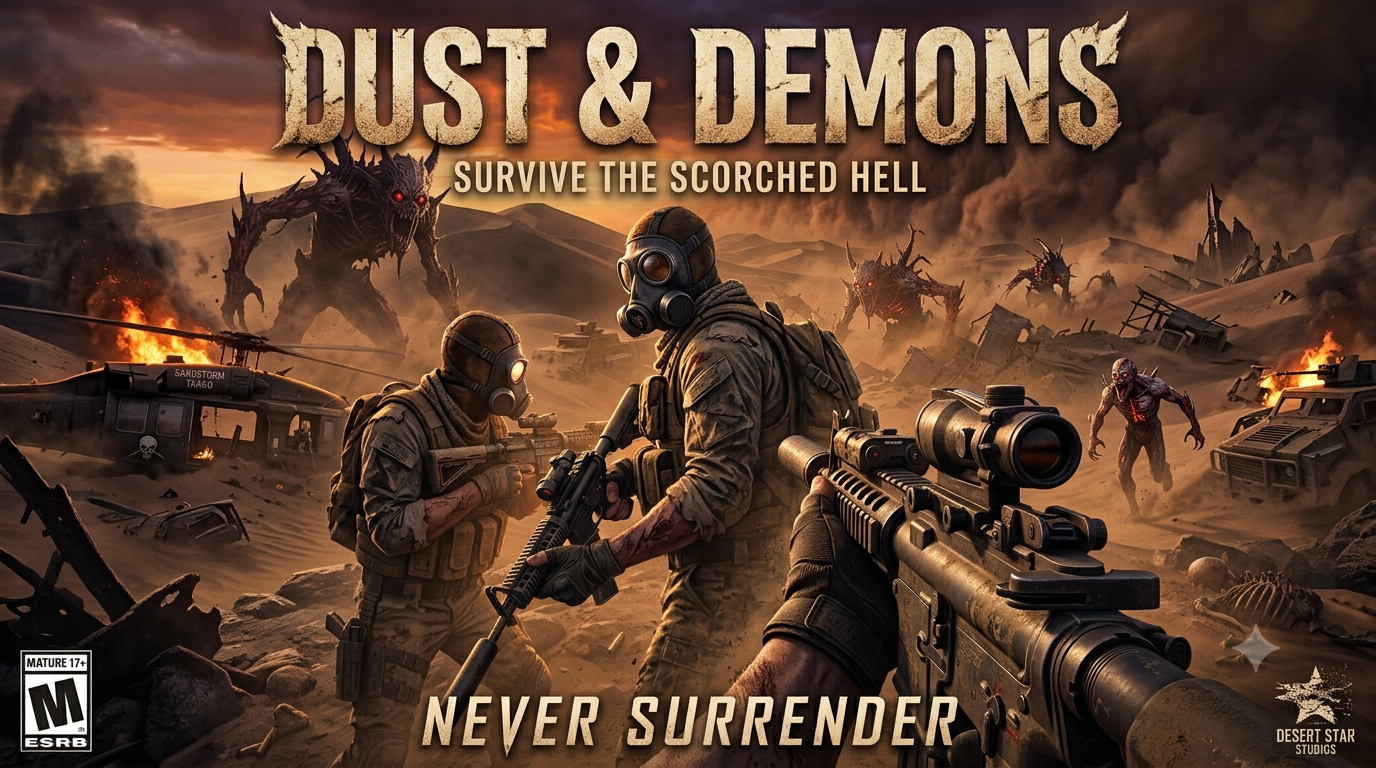
DUST & DEMONS
A downloadable survival shooter for Windows, macOS, Linux, and Android
About the Game
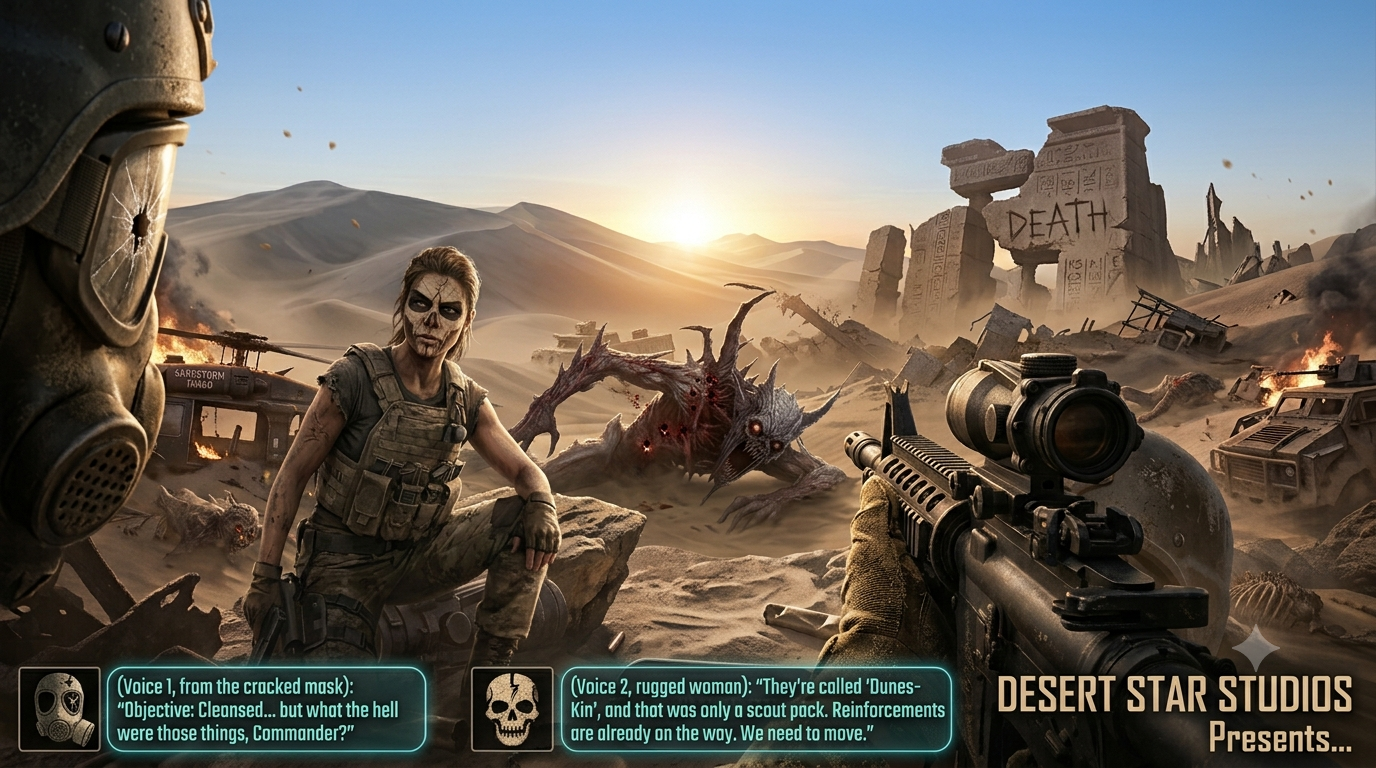
Dust & Decay is an intense, atmospheric survival shooter that plunges players into an oppressive, ever-shifting desert wasteland. Merging tactical gunplay with psychological horror, you must navigate a desolate environment where resource scarcity, blinding heat, and terrifying subterranean entities threaten your every move.
In this wasteland, gunfire is a beacon for predators, and your water supply is just as critical as your ammunition. Every expedition across the shifting dunes is a high-stakes gamble for survival.
Key Features
- Survival Mechanics: Manage your hydration and stamina under a scorching sun. Dehydration triggers distorting heat mirages and destabilizes your aim, turning the environment itself into a constant threat.
- Tactical Gunplay: Scavenge for scarce ammunition and maintain your gear. The abrasive desert sand can cause your weapons to jam, requiring regular maintenance using field kits.
- Dynamic Sandstorms: The landscape is alive. Sudden sandstorms dynamically reshape the dunes, buried military outposts, and ancient ruins, altering your path and uncovering new dangers or valuable loot.
- Stealth & Sound Design: Sound travels far across the quiet desert plains. Gunshots will alert nearby entities, forcing you to utilize suppressed weapons, stealth, or the environment to neutralize threats cleanly.
- High-Stakes Extraction: Secure vital data coordinates, salvage rare equipment, and reach the extraction point before a massive, lethal storm completely swallows the region. Use your spoils between runs to upgrade your gear and survival apparel.
Download
Install instructions
Installation Instructions
Follow these simple steps to install and run Dust & Demon on your system:
🛠️ Windows Installation
- Download: Click the download button above to grab the game zip file.
- Extract: Right-click the downloaded
.zipfile and select Extract All... to unpack the game files into a folder of your choice. - Launch: Open the extracted folder and double-click DustAndDecay.exe to start playing.
🐧 Linux Installation (via Wine / Proton)
- Download and extract the game folder as instructed above.
- Ensure you have Wine or Proton installed on your system.
- Right-click the executable and select Open With Wine Windows Program Loader, or launch it directly through your preferred compatibility layer (such as Lutris or Steam's "Add a Non-Steam Game").
📋 System Prerequisites
- DirectX Runtime: This game requires DirectX 12. Most Windows 10 and 11 systems have this installed by default. If you encounter any graphics-related errors, please ensure your GPU drivers are fully updated.
- Visual C++ Redistributable: If the game fails to launch due to a missing
.dllerror (such asvcruntime140.dll), make sure you have the latest Microsoft Visual C++ Redistributable installed on your machine.
Leave a comment
Log in with itch.io to leave a comment.